Simulated Process Printing: Photorealistic Screen Prints
Most screen printing uses spot colors, each color in your design is a separate, solid ink. But what if your design has a photograph, a complex illustration with dozens of colors, or gradients that blend from one shade to another? That is where simulated process printing comes in.
At French Press Custom, simulated process is our solution for reproducing complex, multi-color artwork through screen printing, especially on dark garments.
What Is Simulated Process Printing?
Simulated process (also called "sim process") is a screen printing technique that uses a limited number of ink colors (typically 6-12) to reproduce the appearance of a full-color image. It simulates the look of thousands of colors through halftone dots, tiny printed dots that overlap and blend visually.
How It Differs from Spot Color Printing
- Spot color: Each color is a solid, flat layer. A 3-color design uses 3 inks.
- Simulated process: 6-12 ink channels use halftone dots to create the illusion of unlimited colors.
How It Differs from CMYK Process Printing
- CMYK: Uses only 4 inks (Cyan, Magenta, Yellow, Black) to create all colors. Works on white/light garments.
- Simulated process: Uses 6-12 custom-mixed inks including white underbase. Works on dark garments.
CMYK fails on dark shirts because the inks are transparent, they need a white base to show color. Simulated process solves this by incorporating an opaque white underbase and using opaque or semi-opaque spot colors in halftone patterns.
The Simulated Process Workflow
1. Color Separation
This is the most skill-intensive step. A trained separator analyzes the original image and separates it into individual color channels (typically 6-10). Each channel contains halftone dots of varying sizes that will combine to create the full range of colors.
Common sim process color channels:
- White (underbase)
- Black
- Red
- Blue
- Yellow
- Flesh tone (for portraits)
- Green
- Gold/brown
- Highlight white (top layer)
2. Screen Making
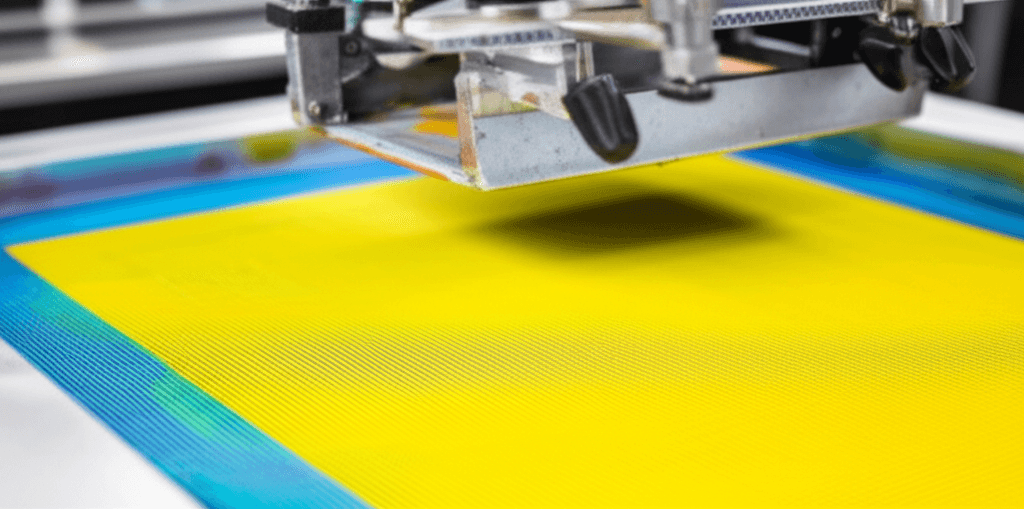
Each color channel is burned onto a separate screen with high mesh counts (typically 230-305 threads per inch for halftone detail).
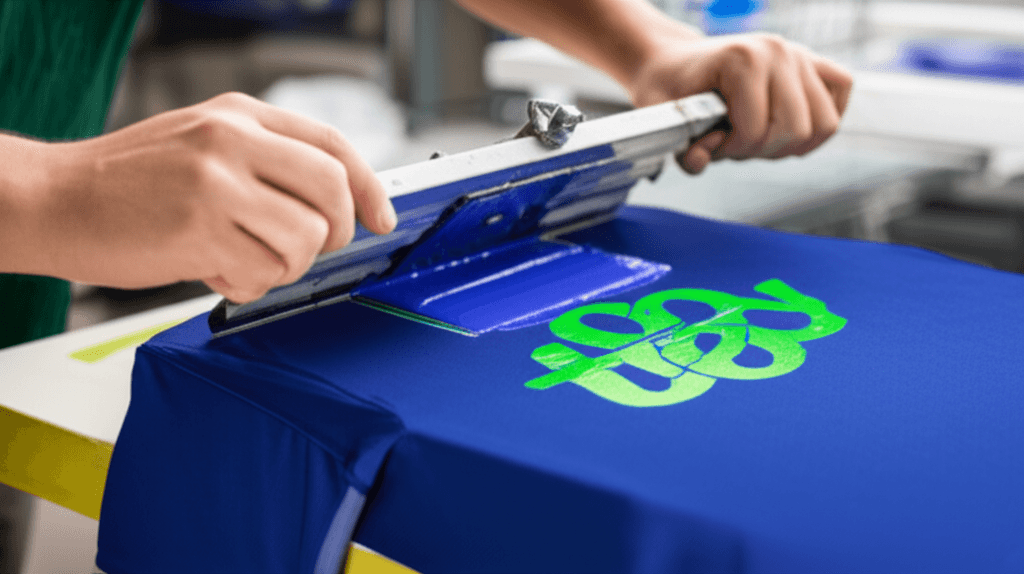
3. Printing
The garment is loaded onto the press and each color is printed in sequence:
- White underbase (flashed to dry)
- Color channels printed wet-on-wet or with flash curing between colors
- Highlight white printed last for pop
4. Curing
The finished print passes through a conveyor dryer at the appropriate temperature for full cure.
When to Use Simulated Process
Great For
- Photographs on dark shirts: the only screen print method that handles this well
- Complex illustrations with many colors and gradients
- Portraits and detailed artwork: faces, animals, landscapes
- Vintage and distressed effects: intentional halftone dot patterns
- Large orders where screen printing is more cost-effective than DTG
Not Ideal For
- Simple 1-4 color logos: standard spot color is cheaper and sharper
- Small orders (under 48): setup costs for 8-10 screens are significant
- Tiny details or thin text: halftone dots have resolution limits
- Budget-sensitive projects: sim process is a premium screen printing technique
Sim Process vs DTG vs DTF
For complex, multi-color designs, you have three options:
| Factor | Simulated Process | DTG | DTF |
|---|---|---|---|
| Best quantity | 48+ | 1-50 | 1-200 |
| Dark garments | Excellent | Good | Good |
| Detail level | Very good | Excellent | Excellent |
| Hand feel | Moderate (ink on top) | Soft | Slightly raised |
| Durability | Excellent | Good | Good |
| Cost at 100 pcs | Lowest of the three at volume | Highest per piece | In between |
| Setup cost | One screen per color channel (see cost guide) | None | Small per-location setup |
| Production speed | Fast (once set up) | Slow per piece | Medium |
The Decision Framework
- Under 48 pieces: DTG or DTF (no setup cost justification for sim process)
- 48-200 pieces: Sim process or DTF (depends on budget and quality requirements)
- 200+ pieces: Sim process (economies of scale kick in)
Pricing
Simulated process costs more than standard spot color screen printing due to additional screens, longer setup time, and specialized color separation. It is priced like any other screen print job: per piece by quantity tier and color count (a sim process job sits in the higher color brackets), plus a one-time color separation charge quoted by complexity. The current per-piece tiers and setup figures are in our screen printing cost guide; start a quote with your artwork attached and we will confirm the channel count and separation charge before anything is billed.
Tips for Best Results
Artwork Preparation
- Provide the highest resolution source file possible (300+ DPI at print size)
- RGB color mode is fine, we convert during separation
- Keep the most important details in the center of the design
- Expect the printed result to be slightly different from your screen, ink on fabric is not a monitor
Design Considerations
- Designs with strong contrast (dark shadows and bright highlights) reproduce best
- Faces and portraits require an experienced separator, this is an art, not just software
- Request a printed sample on the actual garment before approving large runs
Simulated Process at French Press Custom
Our art department has years of experience in color separation, and our presses are capable of running 10+ color simulated process jobs with precise registration. We handle everything from band merch with complex album art to corporate event shirts with photographic elements.
For a free consultation on your complex artwork, call (562) 407-3800 or submit your design through our quote form. We will evaluate your artwork and recommend the best printing method. See also our screen printing services page.
Frequently Asked Questions
What is simulated process screen printing?
It is a screen printing technique that uses a limited set of inks, typically 6 to 12, to reproduce the look of a full-color image. Halftone dots of varying sizes overlap and blend visually, which simulates thousands of colors from a handful of physical inks.
Why not just use CMYK on a dark shirt?
CMYK inks are transparent and need a white base to show color, so they fail on dark garments. Simulated process solves that by including an opaque white underbase and using opaque or semi-opaque spot colors in halftone patterns.
What quantity makes simulated process worth it?
Under 48 pieces the setup cost for eight to ten screens is hard to justify, so DTG or DTF is usually the better call. From 48 to 200 pieces it competes with DTF depending on budget and quality requirements, and past 200 pieces the economies of scale make it the clear winner.
How should I prepare artwork for simulated process?
Supply the highest resolution source file you have, at least 300 DPI at print size. RGB color mode is fine because we convert during separation, and designs with strong contrast between dark shadows and bright highlights reproduce best.